Project Overview
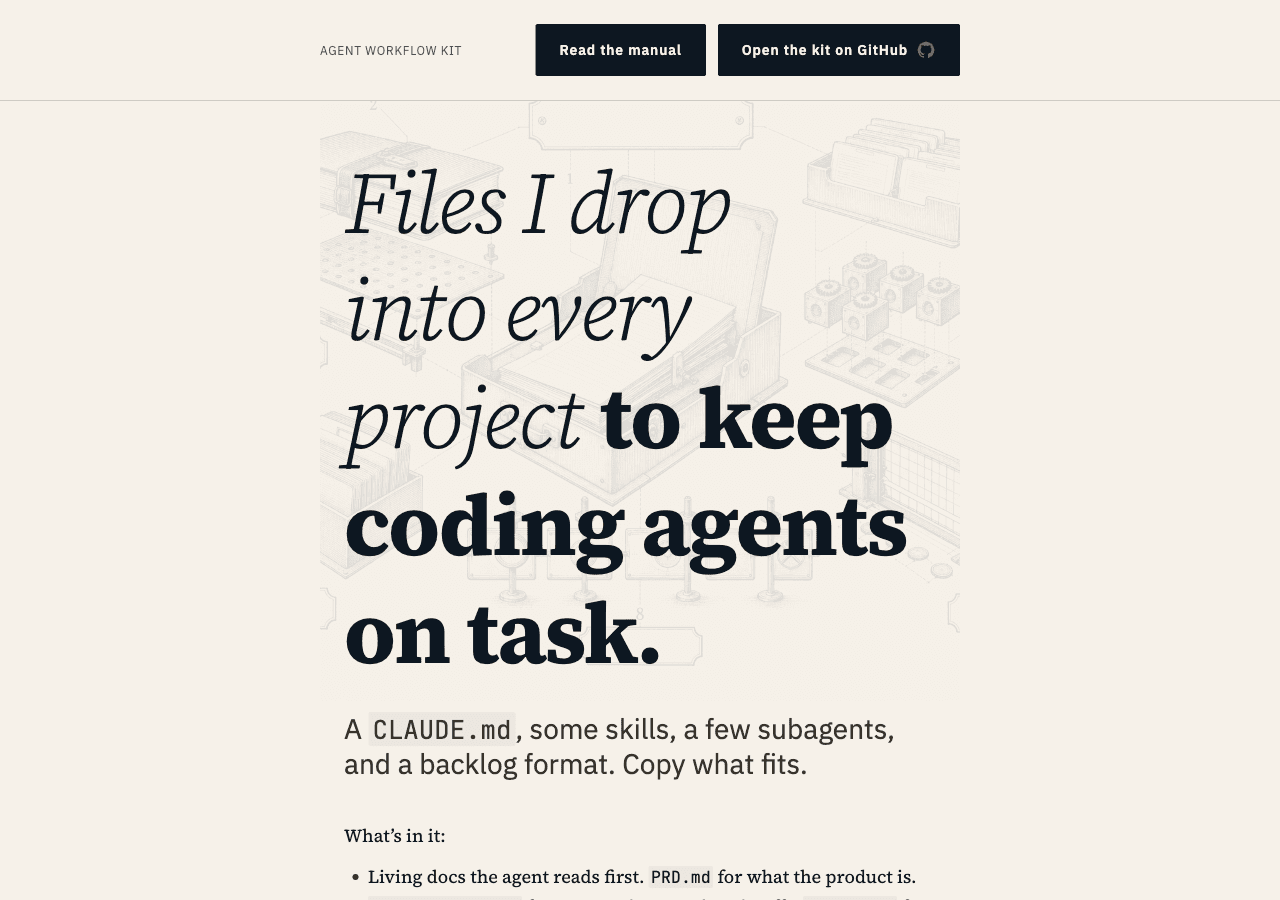
The Agent Workflow Kit is the workflow I'm using for every project to keep coding agents on task.
You start a feature with Cursor or Claude Code and the first hour goes great. Then the agent forgets a decision you made twenty minutes ago, quietly widens the scope you gave it, ships a generic UI nobody asked for, and marks the whole thing done without running the tests. The next session it starts from zero and does it again. The usual fix is to babysit it — re-explain the project every time, re-read every diff — which costs more attention than writing the code yourself.
The kit takes the parts that should be written down and writes them down. It's a CLAUDE.md, a handful of skills and subagents, a backlog format, and a daily loop — plain files an agent reads before it touches anything. You copy what fits and delete the rest. There's nothing to install and nothing to import.
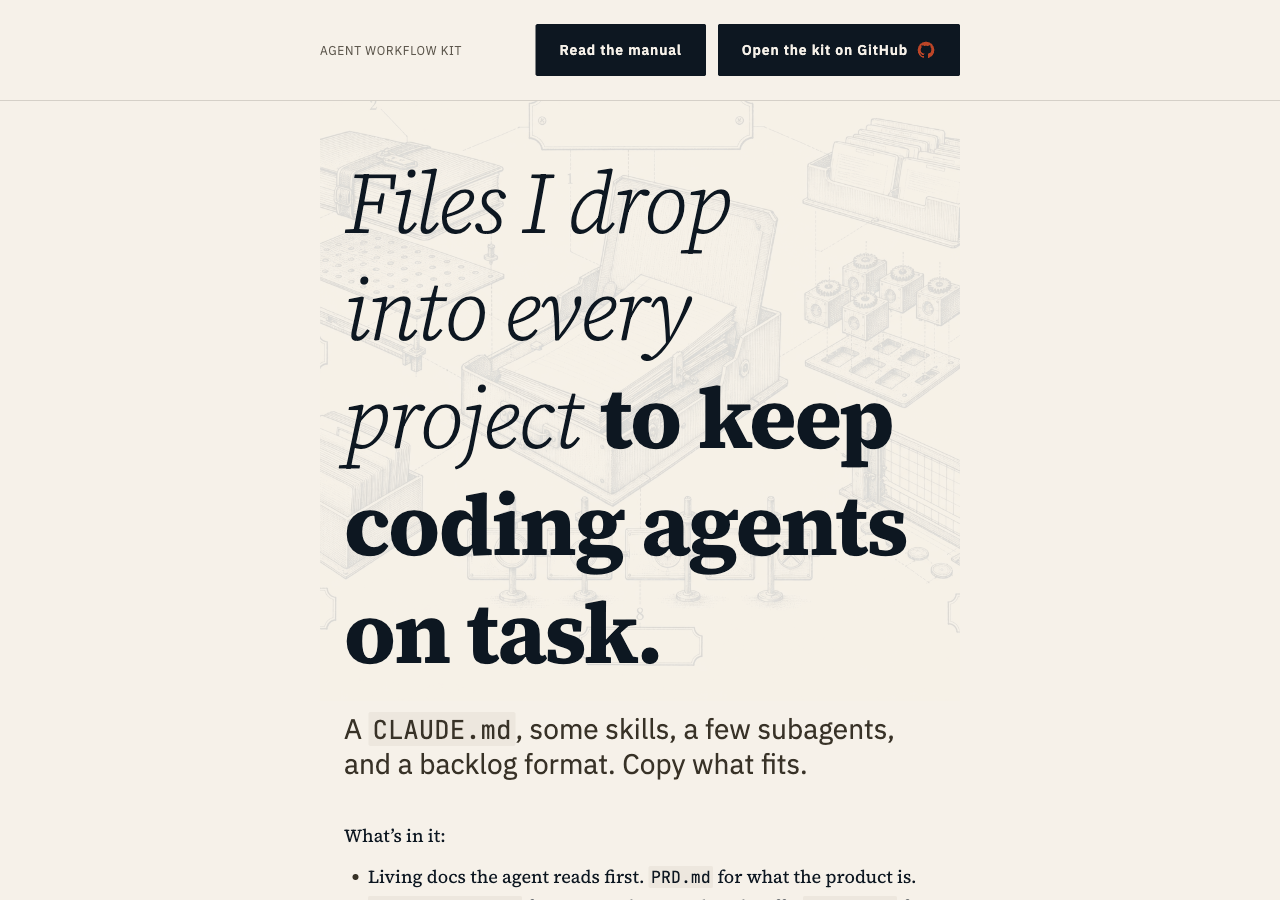 agentic-workflow-site.vercel.app — "Files I drop into every project to keep coding agents on task."
What's in the Kit
📋 Docs the agent reads first
- A PRD that pins down what the product is and — more to the point — what it isn't, so the agent stops re-litigating scope every session
- An architecture doc and a design doc, so "how this is built" and "how this should look" are decisions the agent inherits instead of reinventing
- A backlog format that lives in the repo, so the work has a memory the chat window doesn't
🚦 Gates that stop self-approval
- Verification gates the agent has to clear before it can call something done — tests run, output checked, no "looks complete"
- Token discipline, so a long session stays focused instead of ballooning
🧩 Skills and subagents
- A set of subagents that each do one job — plan review, design review, code review — instead of one agent grading its own homework
- A skills reference and a troubleshooting chapter for when an agent goes off-script
Getting It Into a Project
The kit is a folder of bash scripts and templates, not a package. You install the command once per machine, then run it once per project.
The one-time global install puts a command on your PATH:
./scripts/install-global.sh
That copies the kit to ~/.local/share/agent-workflow-kit/, marks bin/agent-workflow executable, and symlinks ~/.local/bin/agent-workflow at it. From then on, agent-workflow is a command you can run anywhere.
Then, in any project directory:
agent-workflow
It writes the templates into the current folder — CLAUDE.md, AGENTS.md, .claude/ (commands, subagents, skills, hooks), .cursor/ rules, docs/backlog.md, the token-check script, an a11y test — and skips anything that already exists. It names every file it writes and every file it skips, then stops. There's no runtime, no daemon, nothing watching your repo. The files it drops are plain text, and from that point they're yours to edit.
The tech is deliberately boring. The global install uses rsync --delete, so a kit update removes files it dropped upstream. The per-project bootstrap is a copy, not a symlink, so each project gets its own version to customize without touching anyone else's. Bootstrapping is idempotent — re-running only fills in what's missing — so it's safe to run in a half-set-up repo. --dry-run prints what it would write without touching disk; --force overwrites kit-managed files but never your .claude/settings.json. The wrapper finds the kit through the AGENT_WORKFLOW_KIT env var, falling back to the symlink's target, so it keeps working wherever the kit lives. Because it writes both .claude/ and .cursor/, the same bootstrap covers Claude Code and Cursor.
The Daily Loop
The kit isn't a one-shot prompt. It's a cadence you run every day:
- Pick the next item off the backlog
- Spec it — a short doc the agent writes and you approve before any code
- Build it inside the docs the kit already laid down
- Verify it at the gate — tests pass and output gets checked, or it doesn't ship
- Ship it, then write back what the run learned so the next one starts smarter
Work compounds across days instead of resetting every conversation.
The Site I Built to Ship It
- The landing page shows the artifacts inline — a real
CLAUDE.mdsnippet, a real subagent's output — instead of describing them - The 15-chapter manual reads as a web book: sidebar TOC, prev/next, anchor links on every heading, syntax-highlighted code, copy buttons
- Search is client-side — MiniSearch over a build-time index — so a returning reader can find "what does
/forbiddo" in a keystroke, with no server and no search vendor - The subscribe form is double-opt-in: sign up, confirm by email, land in Postgres, with a tokenized unsubscribe link in every send and a daily cron that deletes anyone who never confirmed
/llms.txt,/llms-full.txt, and/rss.xmlare generated at build time, so the manual is legible to AI agents and feed readers, not just people
Technical Architecture
- Next.js 16 (App Router) with React 19 and TypeScript in strict mode — Server Components by default, client components only where the search box and subscribe form need them
- Velite runs the content pipeline: Zod-schema frontmatter compiled into type-safe collections for the chapters, examples, and changelog, so a malformed chapter fails the build instead of shipping broken
- Neon Postgres (via the Vercel Marketplace) with Drizzle ORM holds the subscriber list —
mainbranch as production, ephemeral branches per risky migration - Resend + React Email for the two transactional templates; Vercel BotID guards the subscribe Server Action, and a Postgres rate limiter caps attempts per IP hash — raw IPs are never stored
- Tailwind CSS 4 with
@theme inlinetokens and shadcn/ui primitives, deployed on Vercel with Web Analytics and no cookie-consent UI - Tested with Vitest, Playwright, and axe-core against a real Neon test branch — the database is never mocked at the integration layer
Tech Stack Breakdown
Site
- Next.js 16 (App Router, RSC), React 19, TypeScript (strict)
- Tailwind CSS 4 + shadcn/ui,
@theme inlinetokens - Velite content pipeline (Zod-validated chapters, examples, changelog)
Data & email
- Neon Postgres + Drizzle ORM (Vercel Marketplace)
- Resend + React Email, double opt-in with tokenized confirm and unsubscribe
- Vercel BotID and a Postgres rate limiter on the subscribe action
Discovery & ops
- MiniSearch client-side search over a build-time JSON index
- llms.txt, llms-full.txt, and RSS generated at build time
- Vercel Cron for daily cleanup, Web Analytics, Vitest + Playwright + axe-core
Why I Built It
The kit came first. It's just the files I kept copying between projects until they were worth a name. The site came second, because the kit was landing as a context-free README in front of people who decide in ninety seconds whether to keep reading. So I gave it a front door. The whole thing is small on purpose — a set of files and a site that explains them — and most of the work went into making the files worth copying.