Project Overview
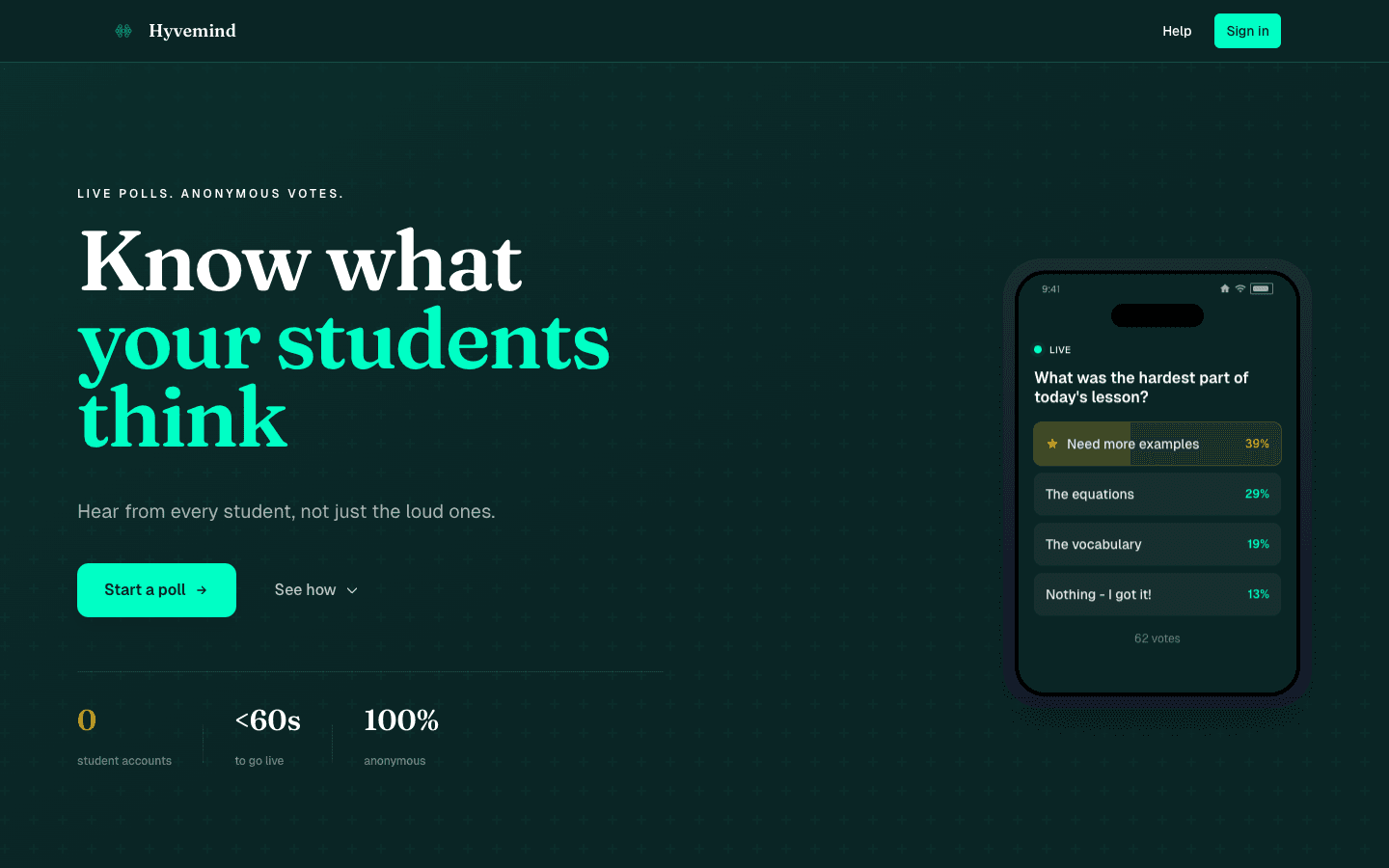
Hyvemind is a live polling app built for the classroom: ask a question, students answer on their phones, and you see the results fill in as they vote.
It started as "Live Class Poll," became Cognivote, and is now Hyvemind at hyvemind.app — same core idea, a lot more app behind it. The problem it solves is the one every teacher knows: a handful of students talk, everyone else stays quiet, and you have no real read on whether the room actually followed the lesson. Cold-calling fixes that for one student at a time. Hyvemind fixes it for the whole room at once.
The rule that drives every design decision is zero friction for the student. No account, no app to install, no waiting. You put a link or a QR code on the screen, they scan it, and they're voting in seconds — anonymously, which is exactly why the shy and the unsure actually answer. Create a poll in under a minute, share it, and watch confidence levels, misconceptions, and open responses roll in live.
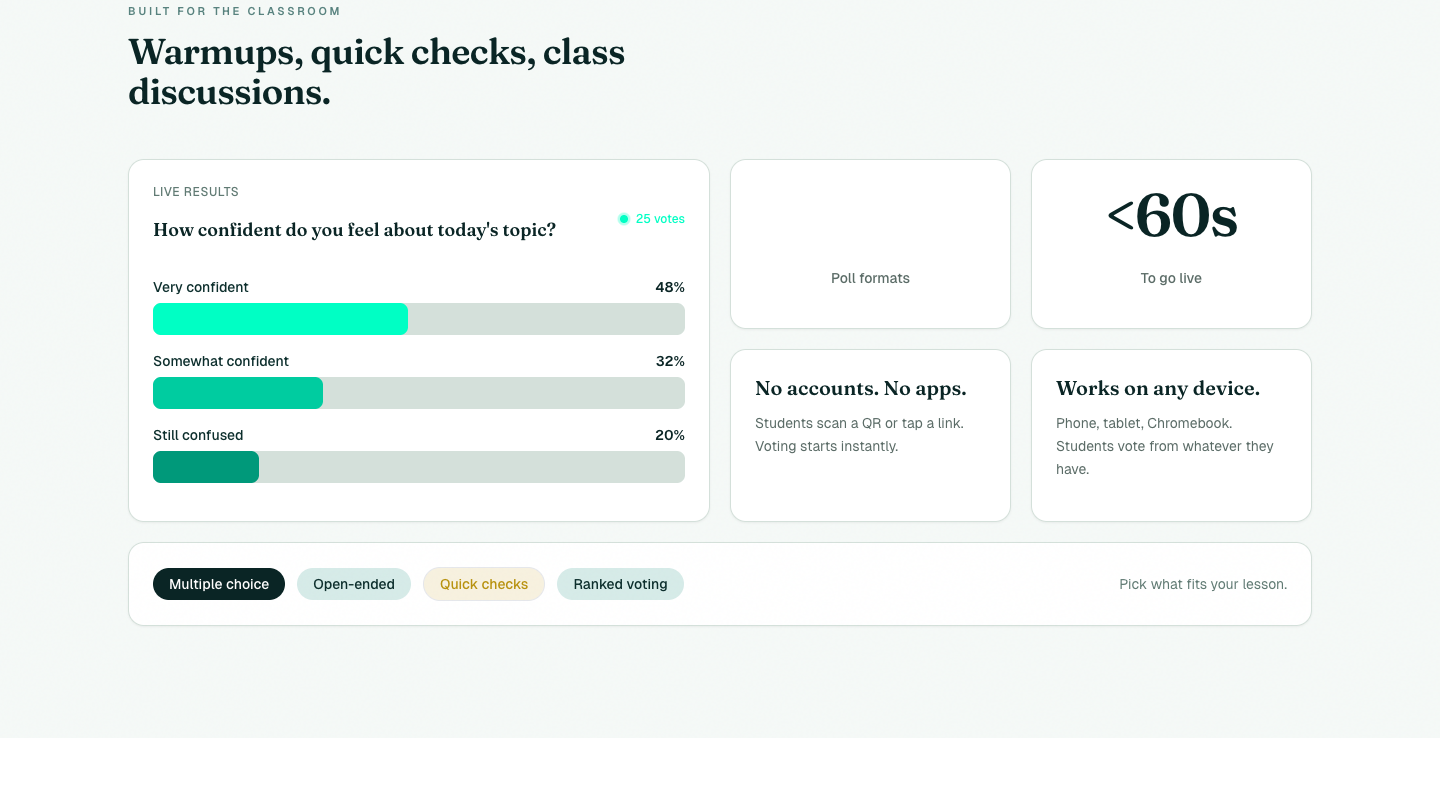 Warmups, quick checks, exit tickets — answers update live as the room votes. No accounts, no apps, under 60 seconds to go live.
Key Features
⚡ Five poll formats
- Multiple choice — classic A/B/C/D checks with live bar, pie, donut, or dot-pile visualizations
- Open-ended — free-text responses that surface on screen as students type, with an optional multi-response mode for brainstorms
- Voting — vote on a set of entries (ideas, teams, options) with configurable vote limits to keep it fair
- Song links — crowdsource a playlist from Spotify/YouTube links with built-in upvoting
- Hackathon projects — showcase teams with descriptions, demos, and repos for judging
🤖 AI-generated polls
- Describe the question you want to ask and Hyvemind drafts the poll for you — options, format, and all — powered by OpenAI
- Question banks curated by role and grade level give you ready-made checks when you don't want to start from scratch
- Generate custom banks for a specific class, team, or talk
📱 Zero-friction participation
- Students join by link, 6-character short code, or QR — no sign-up, no download
- Mobile-first; it just works on whatever device is already in their pocket
- Anonymous by default, which is the whole reason quiet students actually answer
🔴 Real-time everything
- Votes appear live for everyone watching the same poll, in well under a second
- Results, timers, and visualizations stay in sync across every connected device
- Built on InstantDB's real-time sync and presence — no websocket plumbing to babysit
⏱️ Timers & vote controls
- Optional countdown timers (10 seconds to an hour) to keep a warmup moving
- Open and close voting on demand, with per-participant vote limits where it matters
- The timer shows on every device at once
📊 Manage & share results
- A dashboard to track all your polls in one place
- Email results straight to stakeholders (Resend + React Email templates)
- Share by link, short code, or a dedicated results view
AI & MCP Integration
Hyvemind ships its own MCP (Model Context Protocol) server, so an AI assistant like Claude can create polls for you programmatically — create_poll and create_poll_from_items. Because an assistant can't prove who owns an email, the MCP flow is gated behind a real web sign-in first: an OAuth 2.0 handshake (Google) issues a token, and only then can a connected assistant create polls on your behalf. It's a small, deliberate piece of security design that lets the convenience of "just ask the AI to set up my poll" exist without letting anyone spoof an account.
Technical Architecture
Built on a current stack, with the real-time layer doing most of the heavy lifting:
- Next.js 15 (App Router) with React 19 and TypeScript, built with Turbopack
- InstantDB for real-time data, presence, and live sync — the typed schema covers polls, users, ownership, emails, and analytics
- OpenAI for AI poll generation; Resend + React Email for sending results
- Auth is creator-only: Google OAuth and magic links. Students never sign in
- Server-rendered OpenGraph images via
@resvg/resvg-js, so every shared link previews cleanly - Tailwind CSS and Framer Motion for the interface, deployed on Vercel
The branding moved with the rename: a dark forest-green canvas, a vivid cyan accent, and a honey-gold highlight, set in Fraunces for display and Geist Sans for body.
Who It's For
The product is classroom-first now, but the zero-friction polling engine underneath travels well:
- Education — comprehension checks, exit tickets, confidence polls, and warmups that give every student a voice without the public-speaking tax
- Events & conferences — live audience polling and Q&A without forcing anyone through a form
- Teams — quick anonymous decisions on priorities, times, and options
- Hackathons — project judging with team profiles and fair, capped voting
- Anything social — playlist building, group picks, icebreakers
Tech Stack Breakdown
App
- Next.js 15 (App Router), React 19, TypeScript, Turbopack
- InstantDB for real-time sync, presence, and the typed data schema
- Tailwind CSS + Framer Motion
AI & integrations
- OpenAI for AI-drafted polls and question banks
- An MCP server (
create_poll,create_poll_from_items) gated behind an OAuth web sign-in - Resend + React Email for emailing results
Auth & platform
- Google OAuth and magic links for creators; anonymous join for everyone else
- Server-rendered OpenGraph images via
@resvg/resvg-js - Deployed on Vercel
Impact
The thing that keeps surprising me is how much a room has to say once you remove the cost of saying it. Take away the account, the app, and the need to speak up in front of everyone, and the quiet students answer — and you find out what the class actually understands instead of guessing from the three people who raised their hands. That's the whole point of Hyvemind: make participation effortless, and the hive shows up.